Beyond “Works on My Machine”: A Practical Journey into Reproducible Dev / DevOps Environments
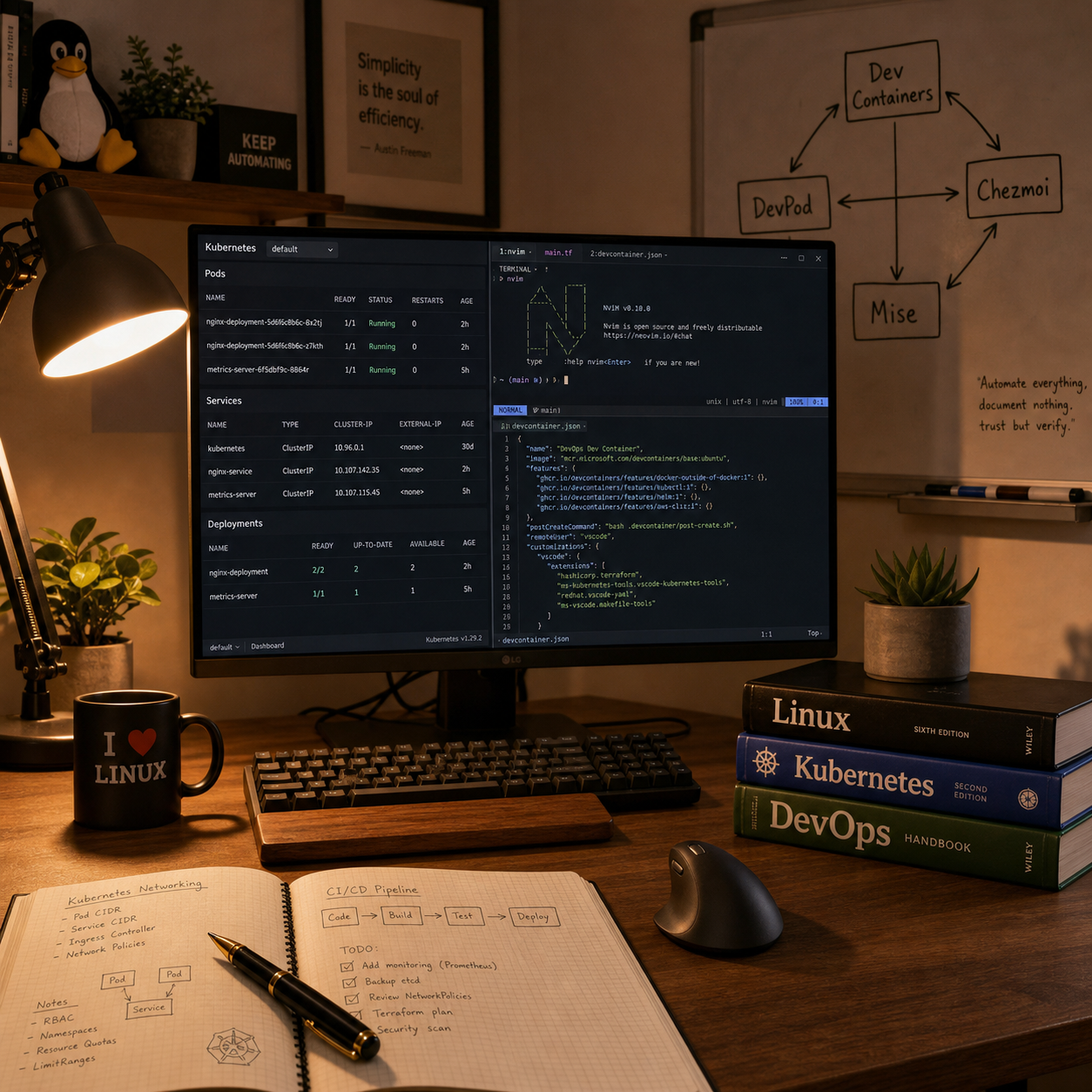
This post is my reflection on rebuilding my development environment around reproducibility after taking the “Dev Containers, Neovim & Config Management” course from KubeCraft. Instead of yet another fragile laptop setup, I now treat the dev environment like real infrastructure: defined in devcontainer.json, recreated via Dev Containers and DevPod, and verified instead of assumed. That mindset directly tackles the “works on my machine” problem, especially in Kubernetes work where teams need consistent kubectl, helm, and cloud CLI versions across all engineers.
I also describe how I started managing my dotfiles as personal infrastructure using Chezmoi and how Mise gives me a structured way to pin tool versions per project without polluting the whole system. Together, these tools form a pipeline where containers start, dotfiles apply, trusted tools install, and I land in a predictable environment—whether on my laptop, in an ephemeral workspace, or on a remote admin node.
With roughly three decades of Linux and infrastructure experience, my goal here is not to show off a fancy shell, but to move from artisanal one-off setups toward explicit, reproducible engineering systems that a whole DevOps/Kubernetes team can rely on.